

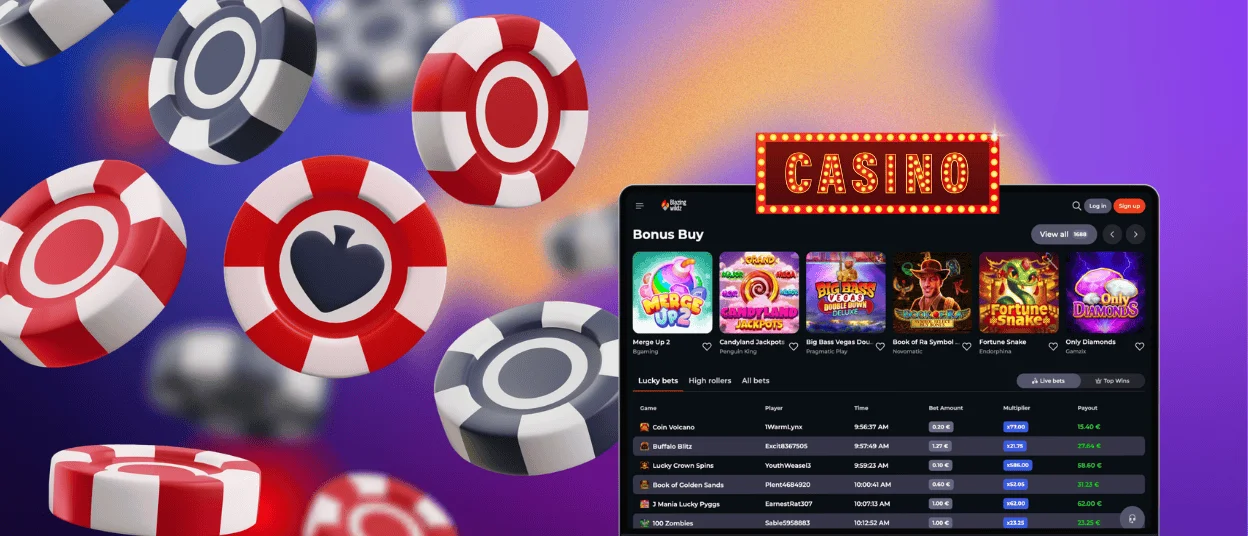
The Blazingwildz app provides mobile access to online slots and live real-money games on modern Android and iOS devices. The mobile version includes the main casino functions, tournaments, account tools, and current promotions.

Players can open Blazingwildz from a phone in two ways: through the mobile website or by adding the app to the device. The browser version works with common mobile browsers. Updated versions of Chrome and Safari provide faster loading and proper screen adaptation.
The Blazingwildz app can also be added directly to the home screen. This removes the need to open the browser manually each time. The mobile interface supports gameplay, deposits, withdrawals, and account management. Any changes made on the phone are saved to the same user profile.
Gameplay on a mobile device differs from the desktop experience in several areas:
Quick login
Session length
Game controls
Multitasking
Owners of Samsung, Xiaomi, and other Android devices can access a catalog of more than 6,000 games. There is no need to search for a separate APK file because the mobile solution works as a progressive web app.
| Setup step | Action |
| 1 | Open the official Blazing Wildz website in a modern mobile browser. |
| 2 | Tap the three-dot menu near the address bar. |
| 3 | Select “Add to Home Screen.” |
| 4 | Confirm the action and wait for the Blazingwildz icon to appear. |
After installation, the shortcut can be moved to another folder or placed inside a password-protected section of the device.
The PWA format causes fewer installation issues than a standard application because it works as a direct website-based shortcut. It requires little storage space and receives updates automatically. Minor browser or connection problems can still occur.
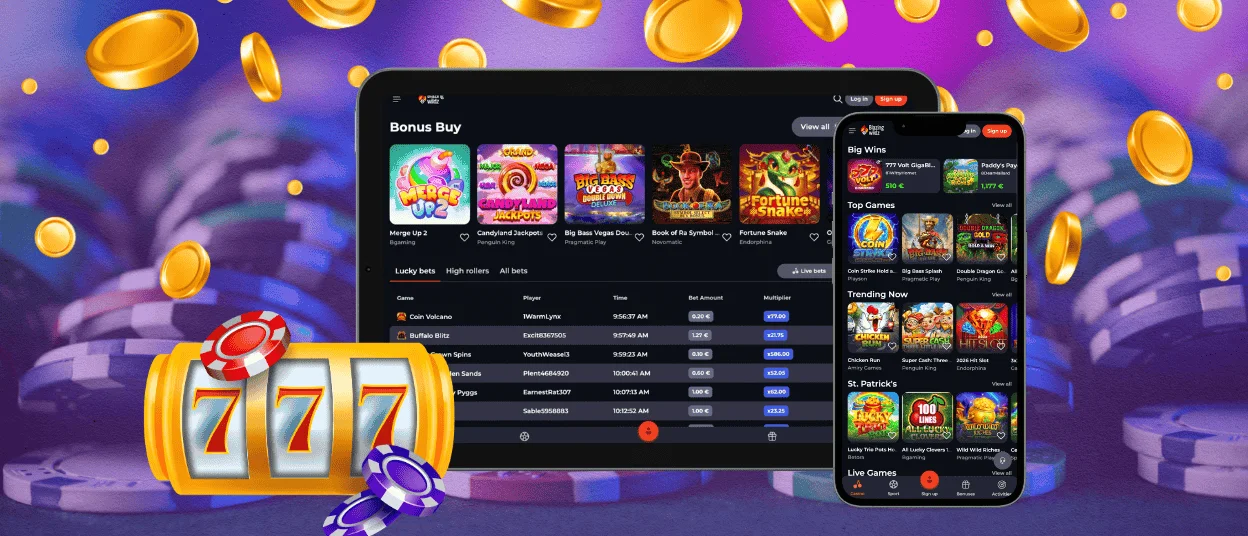
Blazingwildz works on supported iPhone and iPad models through Safari. Users can also add the platform to the home screen as a separate shortcut.
To install it, open the official website in Safari, tap the “Share” button, and select the option to add Blazing Wildz to the home screen.
On devices running iOS 18 or later, users can set a biometric lock on the shortcut and unlock it with Face ID. The native Shortcuts application can also create direct links to individual platform sections. For example, a shortcut can open the favorites page or the current tournament standings for events connected with providers such as Pragmatic Play or BGaming.
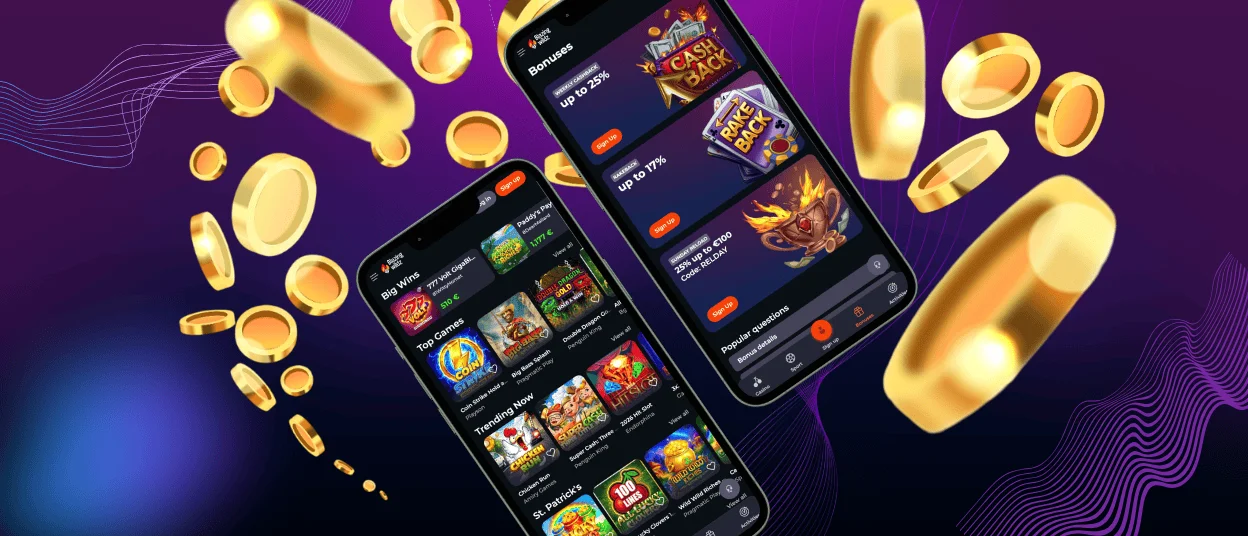
The browser version provides access to the full game catalog and account functions on Windows and macOS computers. Blazingwildz also supports installation as a desktop PWA. When the website is opened in a compatible browser, an installation prompt appears in the address bar.
The desktop version opens in a separate full-screen window and keeps the platform apart from other browser tabs. Users who experience installation problems can contact support through live chat or email.
Yes. Account verification can be completed from a mobile device. Users can take photos of the required documents with the phone camera and upload them directly through the Blazing Wildz account section.
The PWA does not require manual updates. Changes made to the main website, including new platform functions, game additions, or promotions, are applied automatically when the app is opened.
Yes, where supported. Google Pay and Apple Pay are available for deposits depending on the user’s region and selected payment options. These methods allow payments to be confirmed on the phone without entering card details for every transaction.


